Installing Mathematica from UM Research Software
Mathematica
The University of Mississippi has a site licence for Wolfram Mathematica (version 15.0.1 as of July 2026), which is a symbolic computation engine and scientific computing environment. The licence permits students, staff, and faculty to install one copy of the software on any of their personal computers.
- Navigate to the Research Software section of the university’s IT Support website.
- Click through on Mathematica Download and Installation and follow the step-by-step instructions given there.
- Note the site licence number L3xxx-xxx at the top of the page.
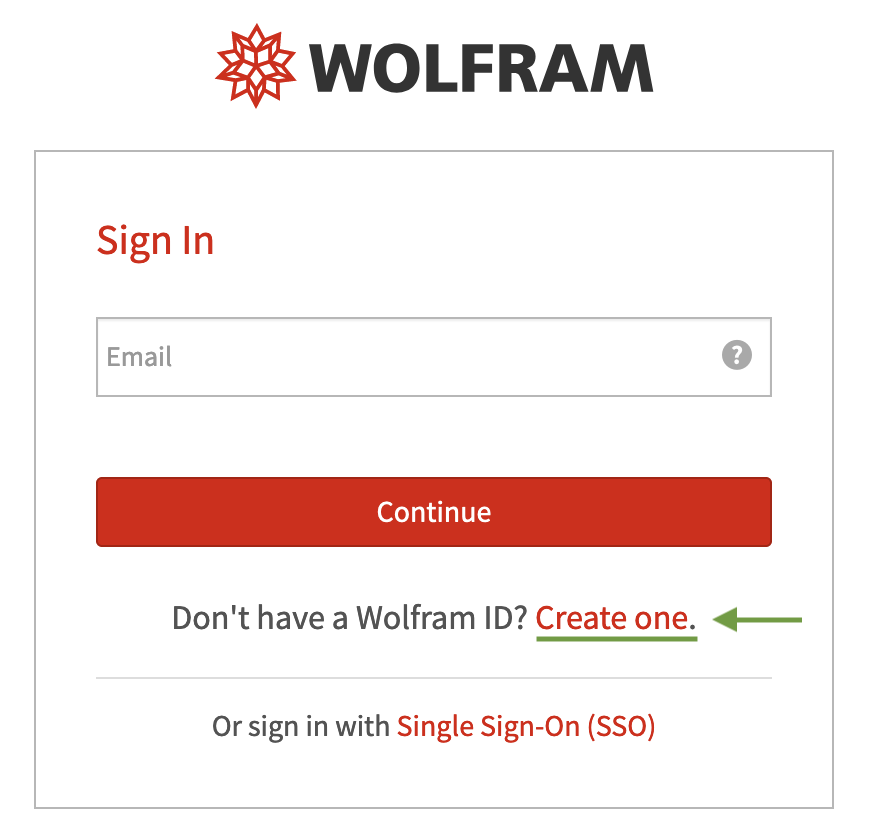
- You will be asked to visit the Wolfram User Portal link and either to sign in with with an existing Wolfram ID or to create a new user account. If you are registering a new account, be sure to do so with your university email (webid@go.olemiss.edu).
- Check your email account for a message from Wolfram with a validation link. Look in your spam folder if you don’t see it.
- Then navigate to the Wolfram Activation Key Request Form.
- Submit the Wolfram Site Product Request Form with the Single user access type selected.
- You will be redirected to the Product page that contains the Mathematica download links. Select the macOS, Windows, or Linux version as appropriate.
- Run Mathematica and input the licence key.